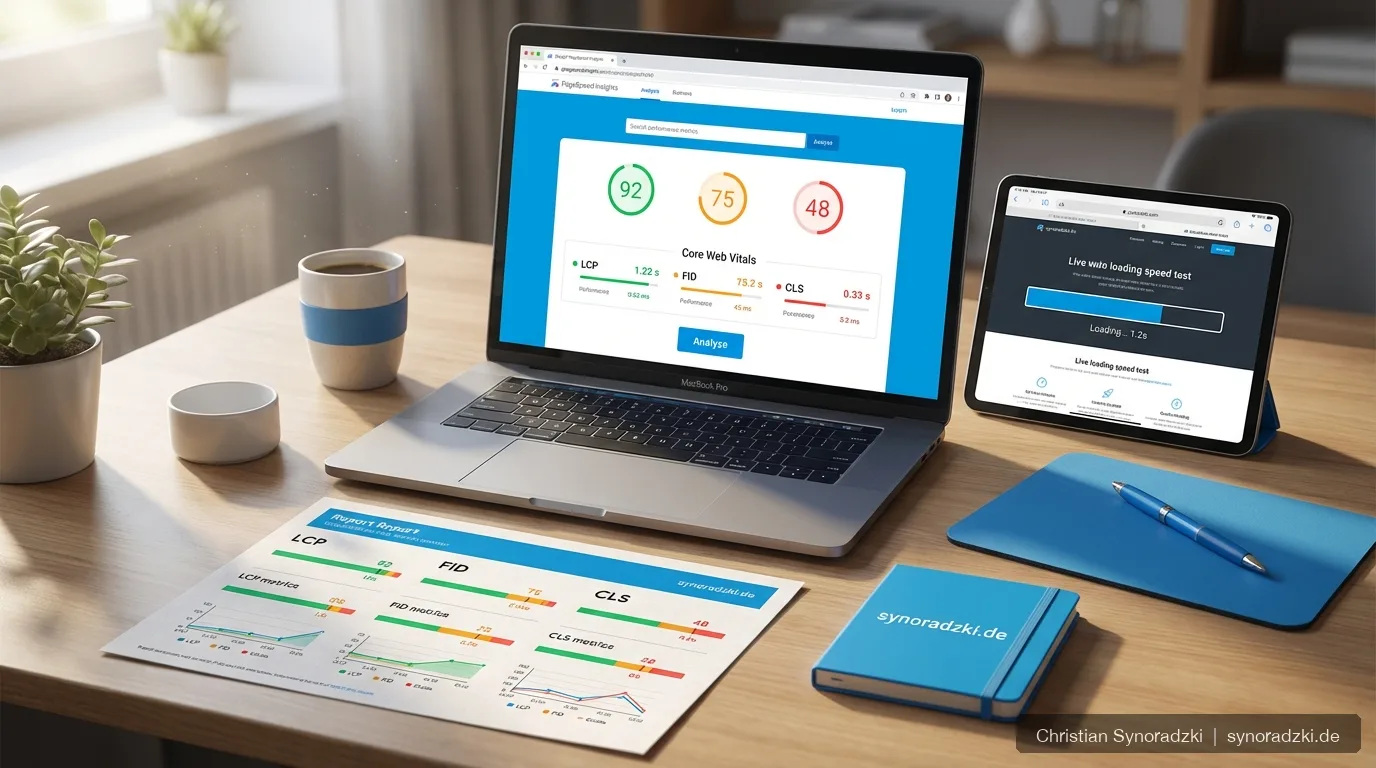
Google’s Core Web Vitals have been a ranking factor since 2021. But the metrics have evolved. Since March 2024, Interaction to Next Paint (INP) has replaced the previous metric First Input Delay (FID). What does this mean for your website?
The Three Core Web Vitals at a Glance
LCP — Largest Contentful Paint
What it measures: The loading time of the largest visible element (image, video, or text block) in the viewport.
Target value: Under 2.5 seconds
LCP remains the most important metric for perceived loading speed. Common problems include oversized images, slow server response times, and render-blocking JavaScript.
INP — Interaction to Next Paint (new)
What it measures: The responsiveness of your website throughout the entire user session. INP captures the delay between a user interaction (click, tap, keypress) and the next visual update.
Target value: Under 200 milliseconds
The difference from FID: FID only measured the first interaction. INP evaluates all interactions during the entire visit and takes the worst value (excluding outliers). That’s significantly more meaningful.
CLS — Cumulative Layout Shift
What it measures: How much page elements shift unexpectedly during loading.
Target value: Under 0.1
Layout shifts are especially frustrating on mobile devices — for example, when a button jumps right before you tap it. Common causes include images without defined dimensions, ads that load late, and dynamically inserted content.
Concrete Optimization Tips
Improving LCP
- Optimize images: Use modern formats like WebP or AVIF and define explicit width and height attributes.
- Reduce server response time: Check your hosting. A TTFB (Time to First Byte) over 600 ms is a warning sign.
- Inline critical CSS: Avoid render-blocking stylesheets for the visible area.
- Set preload for the LCP element: Use
rel="preload"to load the most important element with priority.
Improving INP
- Break up long JavaScript tasks: Any task that blocks the main thread for more than 50 ms will hurt INP. Use
requestIdleCallbackorscheduler.yield(). - Remove unnecessary JavaScript: Every included script increases interaction delay. Critically evaluate whether every plugin and tracking script is truly necessary.
- Optimize event handlers: Offload expensive calculations to Web Workers.
Improving CLS
- Always specify image dimensions: Every
imgelement needswidthandheightor a CSSaspect-ratio. - Reserve space for dynamic content: If ads or embedded content loads later, reserve the space in advance.
- Optimize web fonts: Use
font-display: swapand load fonts withpreload.
How to Measure Your Core Web Vitals
The most important tools for checking:
- Google Search Console: Shows issues at the page level for your entire domain
- PageSpeed Insights: Combines lab data with field data from real users
- Chrome DevTools (Performance tab): Detailed analysis of individual interactions
- Web Vitals Chrome Extension: Real-time monitoring during use
How Much Do Core Web Vitals Affect Rankings?
Core Web Vitals are a ranking factor, but not a dominant one. Relevant content and strong backlinks carry more weight. That said, when pages are otherwise equal, performance can be the tiebreaker. And regardless of rankings, good Web Vitals improve the user experience — and with it, your conversion rate.
Next Steps
Check your current performance in Google Search Console. If issues are shown there, acting quickly makes sense. A comprehensive SEO audit uncovers all other technical and content weaknesses alongside Core Web Vitals. You’ll find more technical SEO terms in our glossary.
Need help with optimization? Reach out to me — I’ll help you make your website faster and more user-friendly.
Need support?
As an SEO freelancer with over 20 years of experience, I help you grow your online visibility sustainably.

Über den Autor
Christian SynoradzkiSEO-Freelancer
Mehr als 20 Jahre Erfahrung im digitalen Marketing. Fairer Stundensatz, keine Vertragsbindung, direkter Ansprechpartner.
All articles in the Blog.