The Wrong Question: “Which CMS Should I Use?”
WordPress has dominated the web for over 20 years. But “which CMS should I use?” is the wrong question. The right one is: Do you even need a CMS anymore?
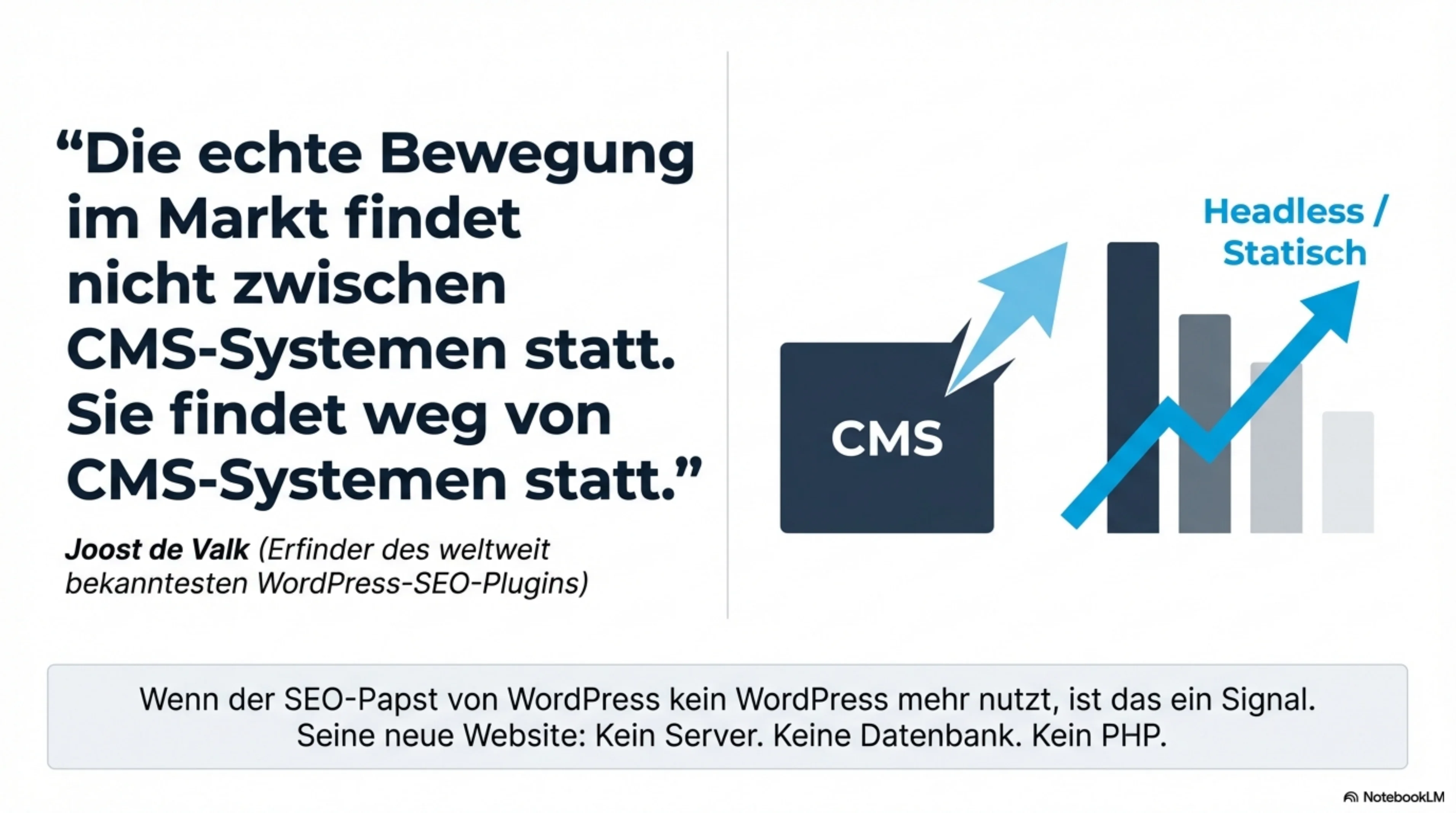
Joost de Valk — the man behind Yoast SEO and one of the world’s best-known WordPress experts — recently made a striking observation in his blog post “Do you need a CMS?”: the real movement in the market isn’t between CMS platforms. It’s away from CMS platforms altogether.
Shopify for e-commerce, Substack for newsletters, Wix and Squarespace for no-code websites — the alternatives keep growing. And then there’s the most radical path: no CMS at all.
What Joost de Valk Did
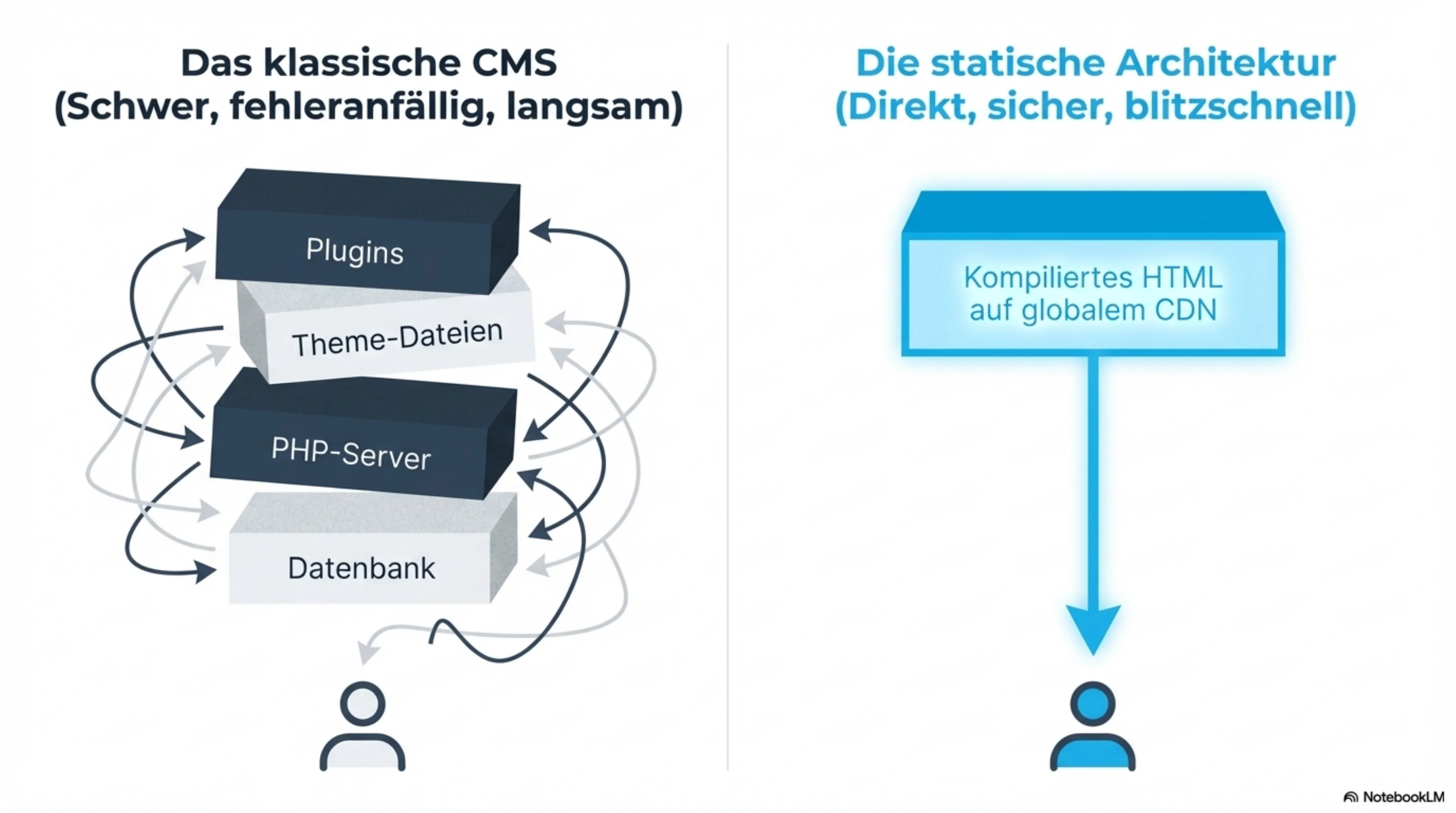
Joost migrated his own site joost.blog from WordPress to a static site generator. The result: Markdown files compiled to HTML and served via a global CDN. No database. No server. No PHP. And yet everything that matters is still there: full-text search, comments, structured data, RSS, and automatically generated social media images.
His argument is compelling: the SEO features a CMS plugin provides are not magic. They’re HTML output. And any modern static site generator can produce that HTML — often cleaner.
When the man who built the world’s most popular WordPress SEO plugin stops using WordPress himself — that’s a signal worth taking seriously.
The End of WordPress? Explained in 3 Minutes
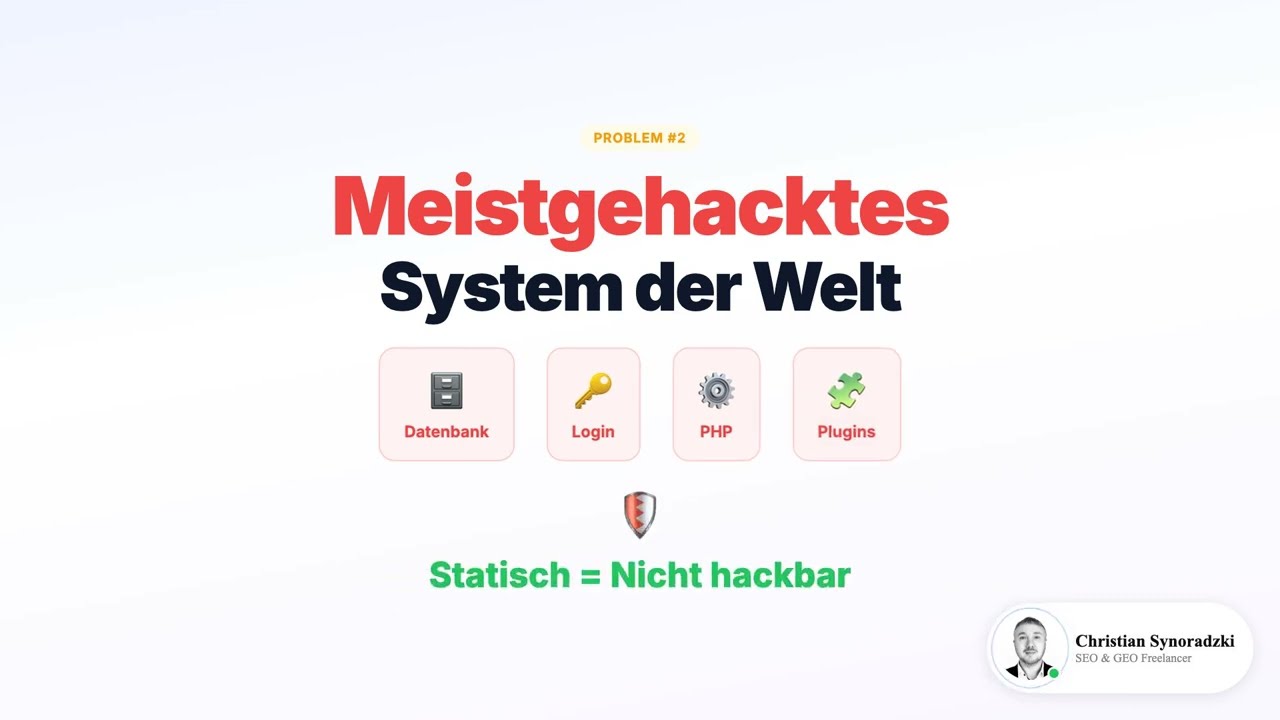
The core points of this article — condensed as a video. Fully AI-generated, including my cloned voice.
Clicking Play will establish a connection to YouTube.
Why I Took the Same Path
When I read that, I had to smile. Because I had already taken that exact step for my own website synoradzki.de — for the same reasons.
My website runs entirely without a CMS, without a database, as an AI-generated static website. The results speak for themselves:
Near-Zero Load Times
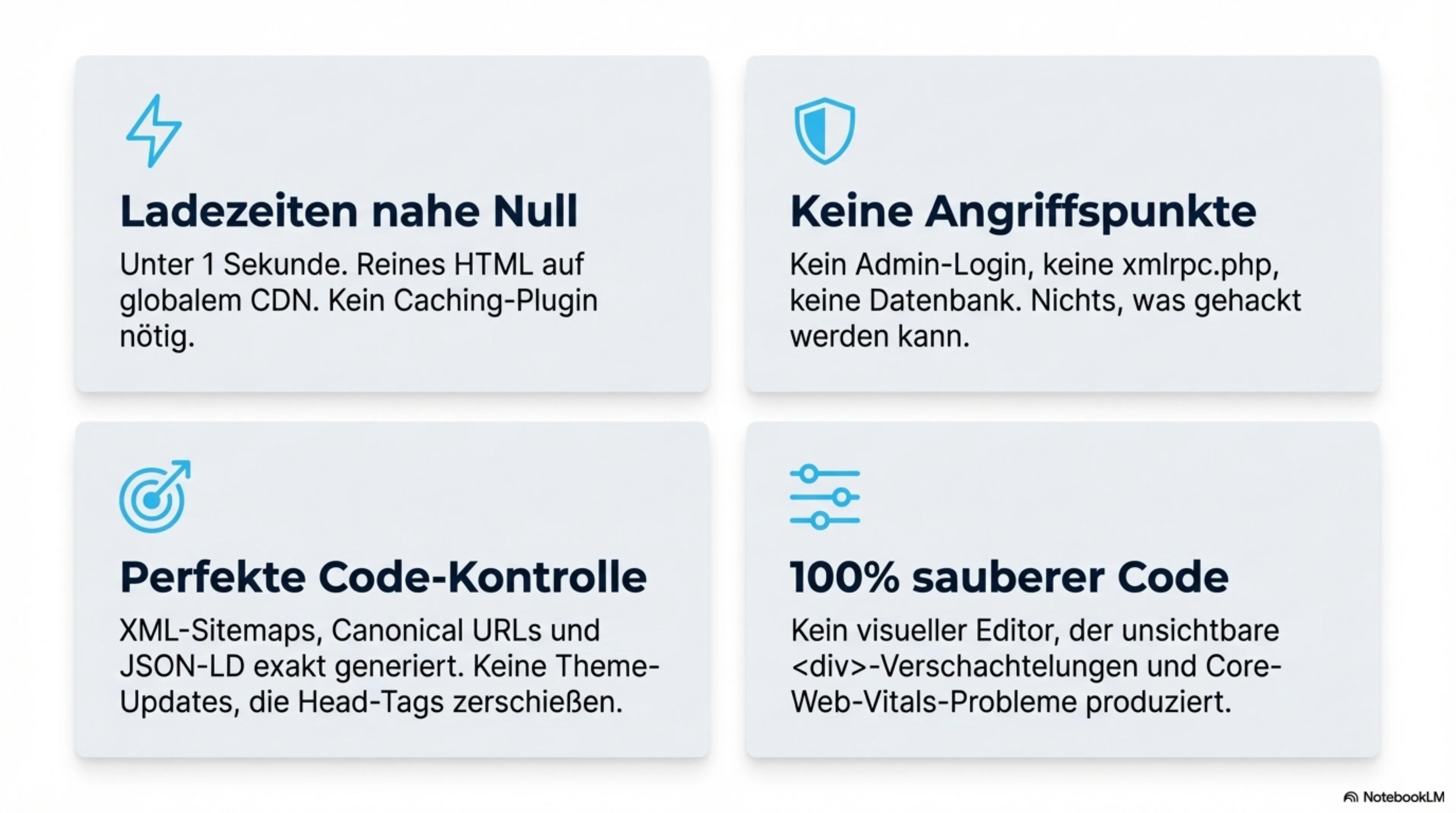
Static HTML on a global CDN beats any WordPress setup, no matter how optimized. My pages load in under a second — without a caching plugin, without optimization tricks. Simply because no server-side code needs to run. More on this under PageSpeed optimization.
No Security Vulnerabilities
No PHP, no plugins, no database — no attack surface. No Monday morning update stress. Static websites are inherently secure because there’s simply nothing that can be hacked. No admin login, no xmlrpc.php, no forgotten plugin updates.
SEO at the Highest Level
XML sitemaps, meta tags, canonical URLs, Open Graph, structured data with JSON-LD — all present. No plugin conflicts, no theme overhead. Every SEO element is generated exactly as it should be. No surprises from a theme update suddenly breaking your head tags. Details under Technical SEO.
Full Control
Every line of HTML is exactly as intended. No theme injecting its own scripts. No plugin ruining Core Web Vitals. No visual editor producing invisible <div> nesting.
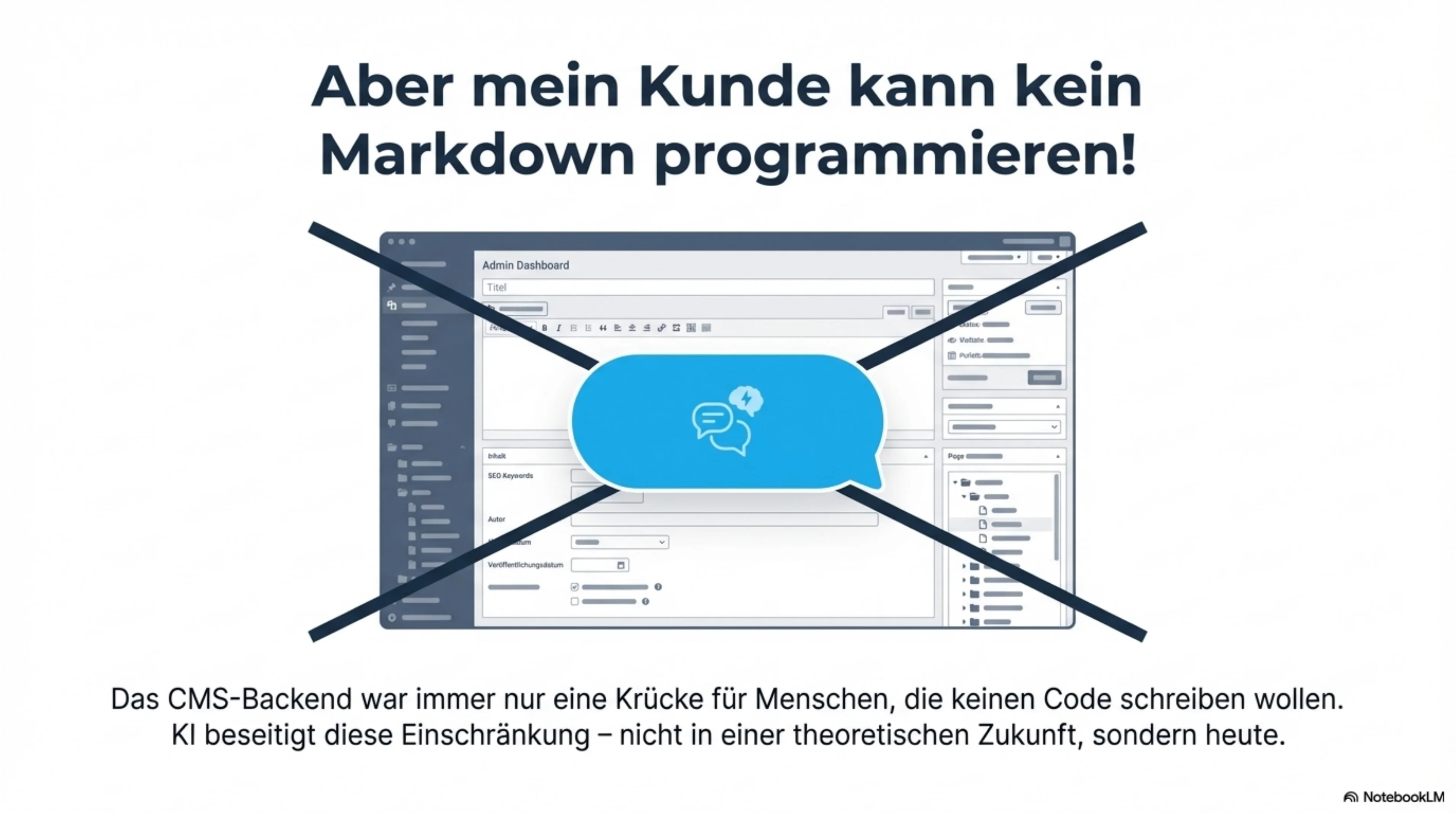
The Elephant in the Room: “But My Client Can’t Write Markdown!”
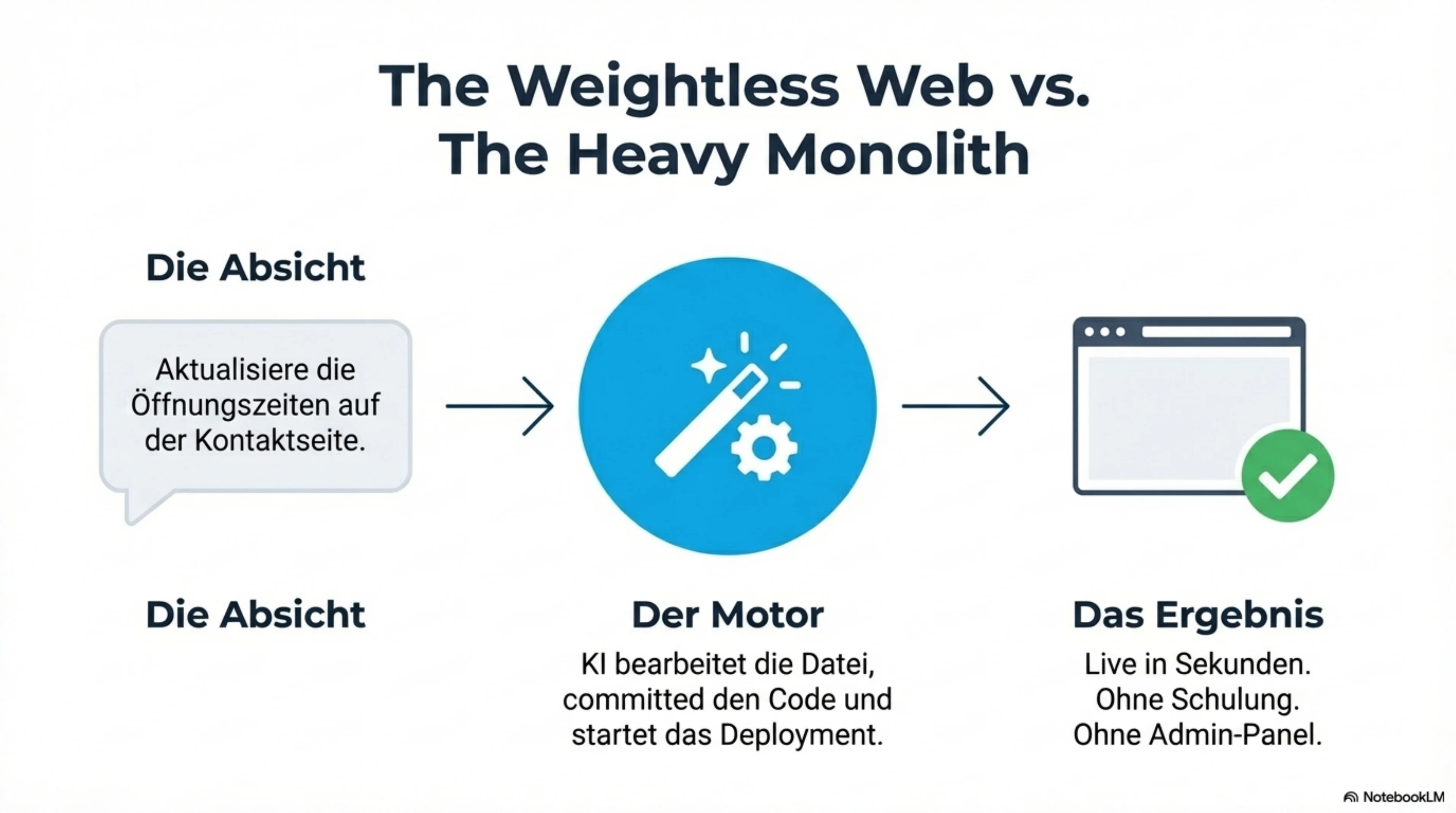
That’s the last real argument for a CMS on simple websites. Joost de Valk puts it plainly: today, an AI chatbot can edit a file, commit it, and deploy it. If someone can say “Update the opening hours on my contact page” and the change goes live automatically — what do you need an admin panel for?
That’s exactly where the future lies as an AI consultant. AI-powered workflows make the classic CMS editor obsolete for simple websites. The visual editing interface of a CMS was a solution to a human limitation: most people can’t or don’t want to write code. AI removes that limitation — not in some theoretical future, but right now.
When a CMS Still Makes Sense
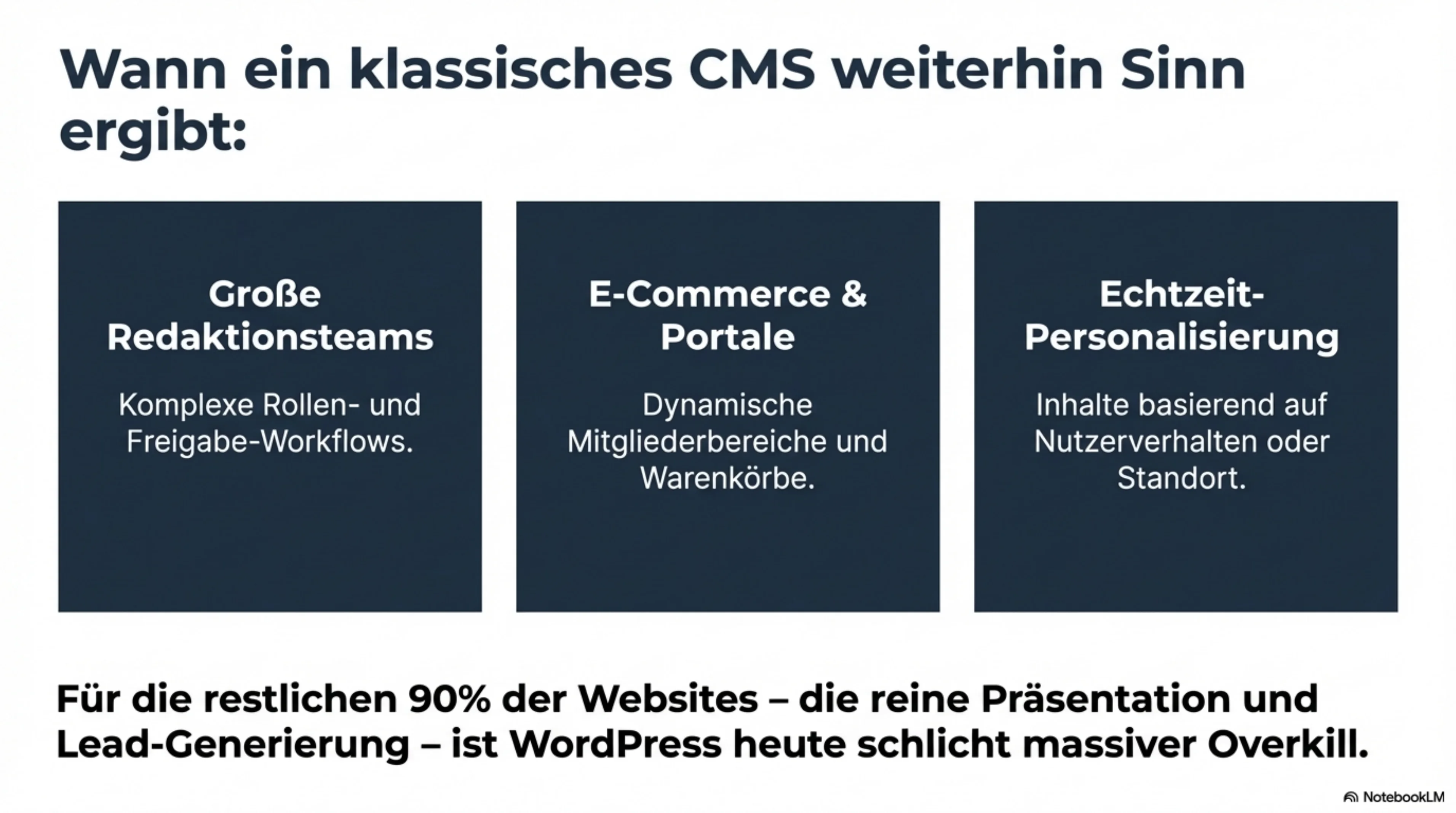
To be fair: there are genuine use cases where a CMS earns its complexity:
- Editorial teams with roles and approval workflows
- Highly dynamic content models with complex relationships between content types
- E-commerce with member areas and personalized content
- Per-visitor personalization based on behavior or location
But that doesn’t describe most websites. The majority are a handful of pages and maybe a blog. For those websites, a CMS like WordPress is massive overkill — with all the downsides that come with it.
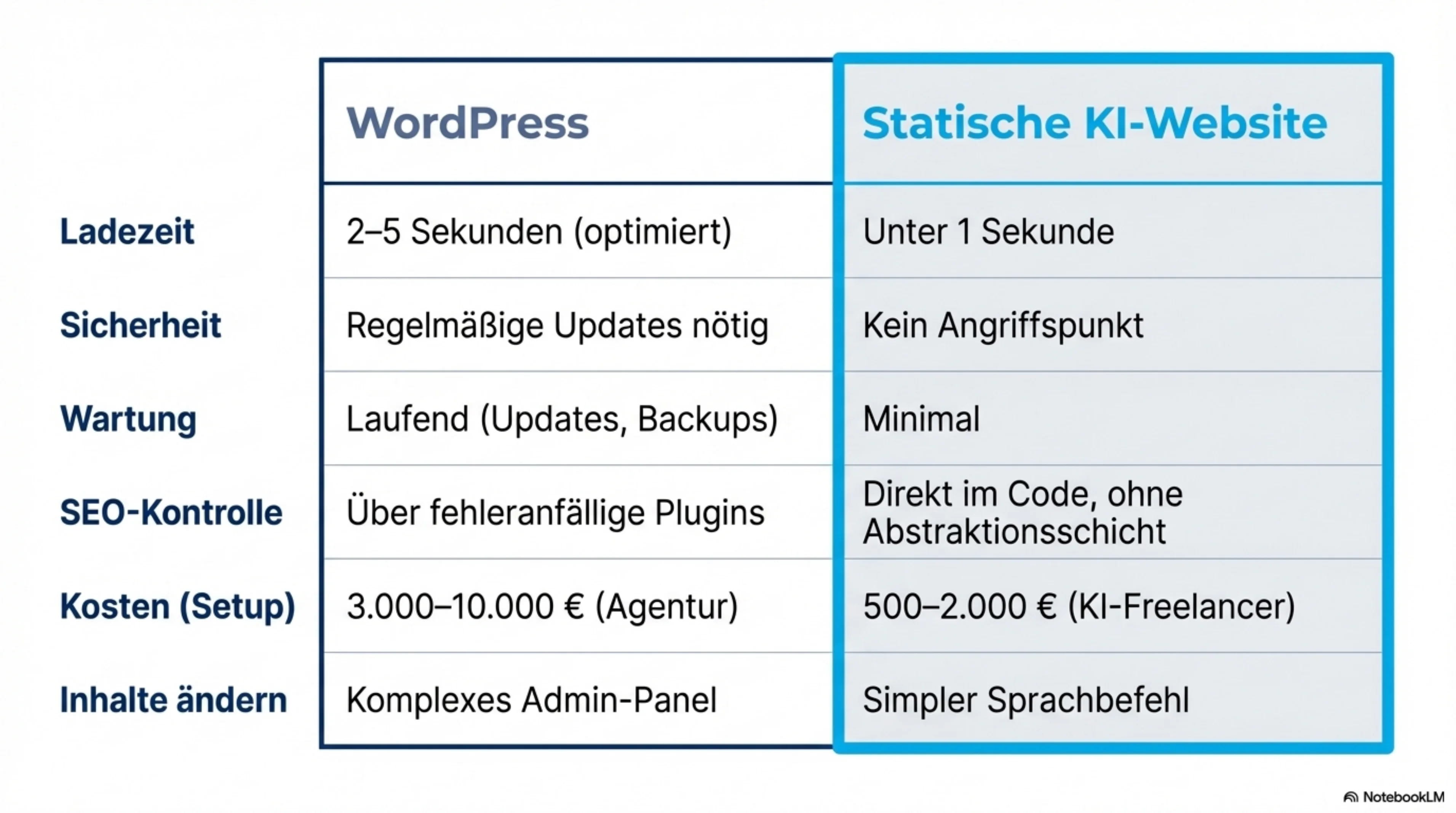
The Comparison: WordPress vs. Static AI Website
| WordPress | Static AI Website | |
|---|---|---|
| Load Time | 2–5 seconds (optimized) | Under 1 second |
| Security | Regular updates required | No attack surface |
| Maintenance | Ongoing (updates, backups, monitoring) | Minimal |
| SEO Control | Via plugins (Yoast, Rank Math) | Directly in code |
| Hosting Costs | EUR 10–50/month | Often free |
| Setup Costs | EUR 3,000–10,000 (agency) | from EUR 1,500 (AI freelancer) |
| Content Editing | Admin panel | Markdown + AI workflow |
You Don’t Need a CMS — You Need a Website
The question was never “WordPress or Joomla?” The question has always been: What’s the best way to get your content onto the web?
For most businesses, the answer today is: an AI website — faster, more secure, cheaper, and with better SEO control than any CMS plugin can offer.
That doesn’t mean WordPress is bad. WordPress democratized the web and enabled millions of people to go online. But for many use cases, it’s the wrong choice in 2026 — too heavy, too slow, too maintenance-intensive for what most websites actually do.
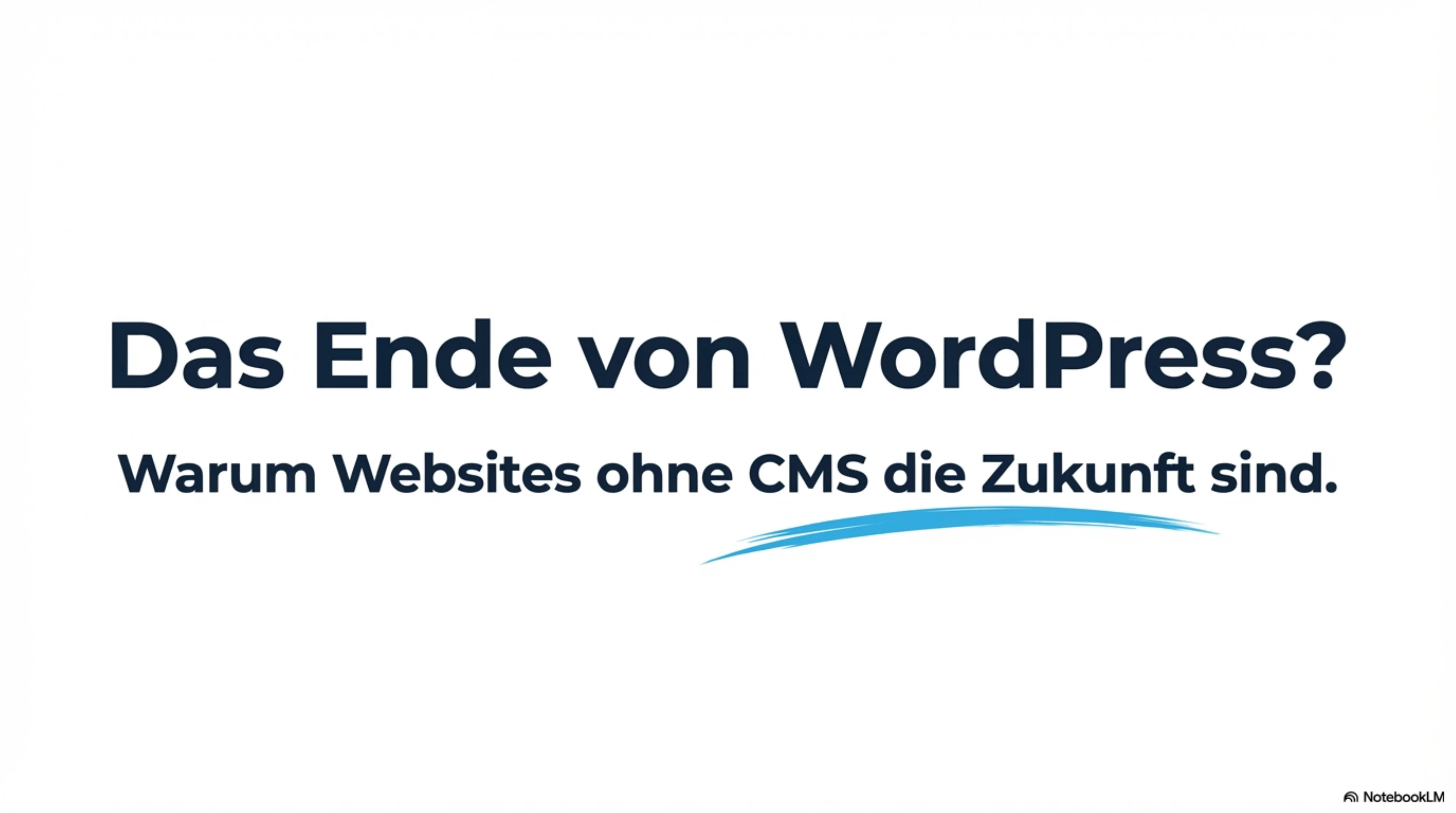
The Full Presentation — Browse Through It
Next Steps
If you want to know whether a static AI website is the right solution for your business, let’s talk. As an SEO freelancer with over 20 years of experience, I’ll give you an honest assessment — even if the answer turns out to be that WordPress is the better fit in your case.
Schedule a free initial consultation →
Inspired by Joost de Valk’s article “Do you need a CMS?” — worth reading for anyone serious about the future of websites.
Need support?
As an SEO freelancer with over 20 years of experience, I help you grow your online visibility sustainably.

Über den Autor
Christian SynoradzkiSEO-Freelancer
Mehr als 20 Jahre Erfahrung im digitalen Marketing. Fairer Stundensatz, keine Vertragsbindung, direkter Ansprechpartner.
All articles in the Blog.