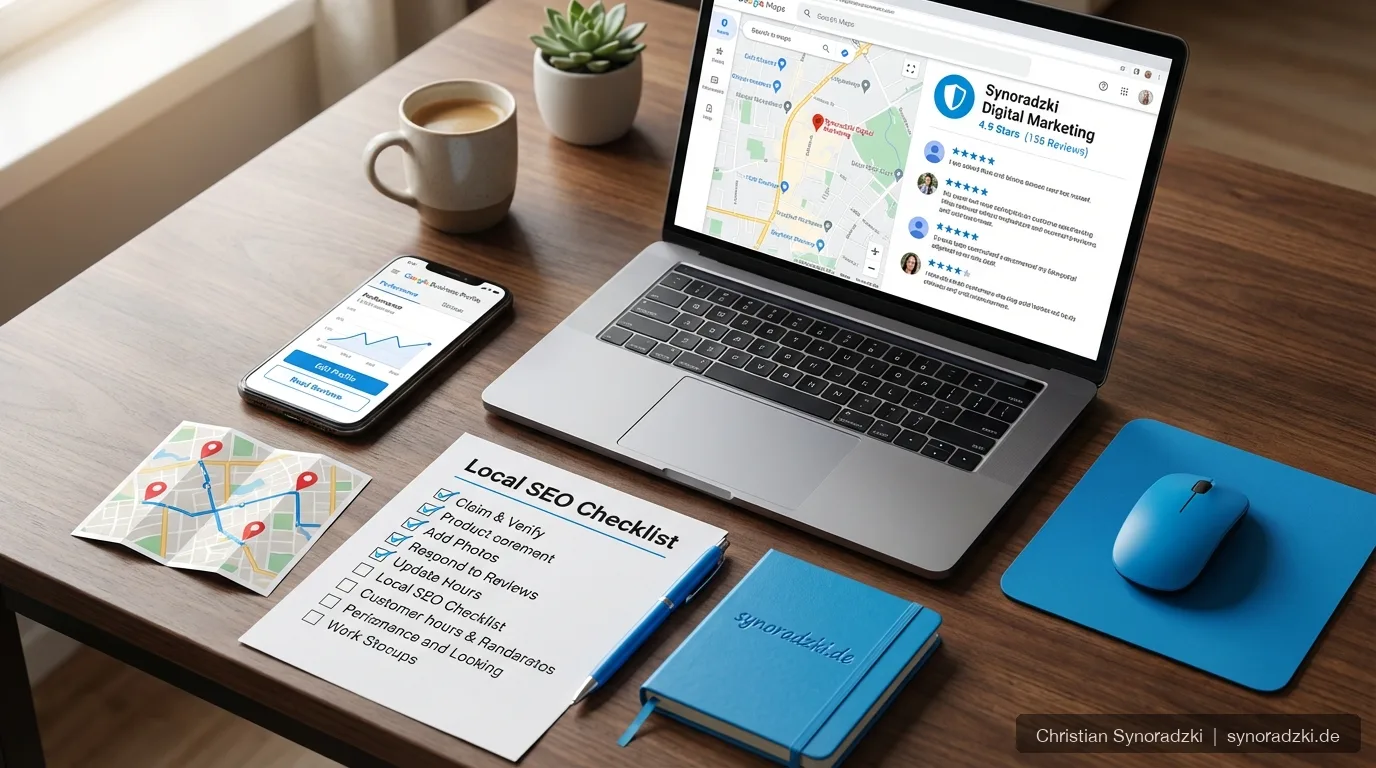
Optimize Your Google Business Profile: More Local Visibility for Your Business
Your Google Business Profile (formerly Google My Business) is one of the most important tools for local visibility. It largely determines whether your business appears in the Local Pack — the three highlighted results shown directly below the map for local searches. This guide shows you how to set up and maintain your profile effectively.
The Basics: Set Up and Verify Your Profile
If you don’t have a profile yet, create one at business.google.com. Verification typically happens via postcard, phone, or email. Without verification, you have no control over your profile.
Key things to get right during setup:
- Business name: Use your exact official business name — don’t add extra keywords
- Address: Must match what’s on your website and in directory listings
- Phone number: Use a local number, not toll-free numbers
Choosing the Right Category
Your primary category is one of the strongest ranking factors for local searches. Choose the category that most precisely describes your core offering. Google offers hundreds of predefined categories — take your time with this decision.
You can also add up to nine secondary categories. Use these for additional relevant service areas, but don’t overdo it. Every category should reflect what you actually offer.
Photos and Videos: First Impressions Matter
According to Google, profiles with photos receive significantly more clicks and direction requests. Upload regularly:
- Exterior shots of your location (helps customers find you)
- Interior views and your work environment
- Team photos (build trust)
- Products or completed work
Make sure the image quality is good and refresh your photos at least every few months. Avoid stock photos — authenticity is rewarded by both customers and Google.
Google Posts: Publish Regular Updates
The Posts feature lets you share news, offers, and events directly in your profile. These posts appear in the Knowledge Panel and signal to Google that your profile is actively maintained.
Aim to publish at least one to two posts per month. Good topics include seasonal offers, new services, events, or short expert pieces from your field.
Managing Reviews Actively
Reviews are a critical ranking factor and have a major impact on your click-through rate. Here’s how to handle them professionally:
- Ask for reviews proactively: Satisfied customers rarely leave reviews on their own. Ask politely after a project wraps up
- Respond to every review: Both positive and negative. Show that feedback matters to you
- Stay factual with negative reviews: Thank them for the feedback, offer a solution, and avoid being defensive
Using the Q&A Section
In the Q&A section of your profile, users can ask questions. Answer them promptly and thoroughly. Even better: proactively post and answer frequently asked questions yourself. This adds useful content and helps potential customers make a decision.
Keep Your Profile Up to Date
A Google Business Profile is not a “set it and forget it” project. Check regularly:
- Are your opening hours and contact details current?
- Are there new reviews that deserve a response?
- Have users suggested changes that you need to confirm or reject?
Optimizing your Google Business Profile is a core component of Local SEO. Combined with a well-optimized website and consistent directory listings (NAP consistency), you’ll build lasting local visibility.
Want your Google Business Profile optimized professionally? Get in touch — I’ll help you become more visible locally.
Need support?
As an SEO freelancer with over 20 years of experience, I help you grow your online visibility sustainably.

Über den Autor
Christian SynoradzkiSEO-Freelancer
Mehr als 20 Jahre Erfahrung im digitalen Marketing. Fairer Stundensatz, keine Vertragsbindung, direkter Ansprechpartner.
All articles in the Blog.